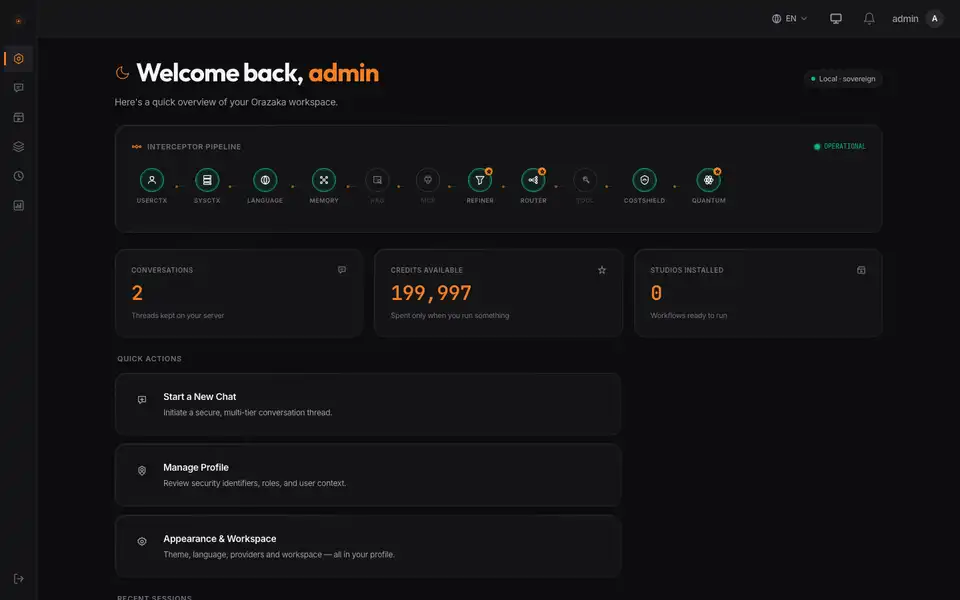
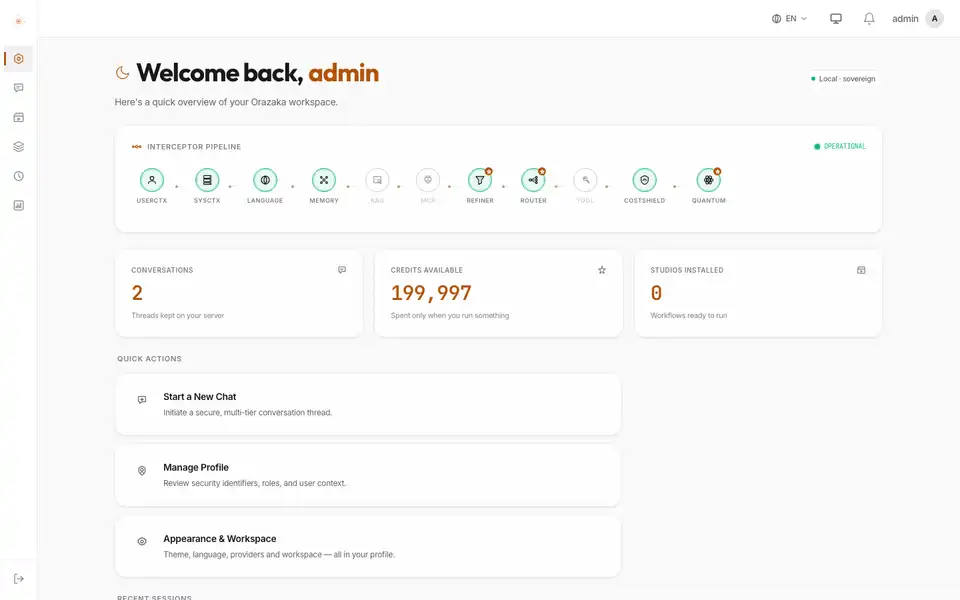
Sovereign AI platform

The AI that never leaves home.

Chat, documents, images, video and agents — on your own machines. Your team gets a modern AI workspace; your prompts, files and customer data never cross your walls.

  • Runs on your hardware
  • No telemetry
  • Open source · Apache-2.0
Answered on this machine
100%
local inference by default — Ollama on Apple Silicon or Linux
6
AI capabilities in one runtime: text, vision, image, video, speech, agents
1
governed pipeline every request crosses before a model sees it
0
telemetry: nothing phones home, everything is auditable

Why Orazaka

Your data stays home. Your AI comes to it.

Cloud assistants ask you to send your work to them. Orazaka runs where your work already is — and keeps every answer, every file and every bill under your roof.

Platform

Everything your team expects from AI. In one place you own.

One workspace, one identity, one bill — for every way your team works with AI.

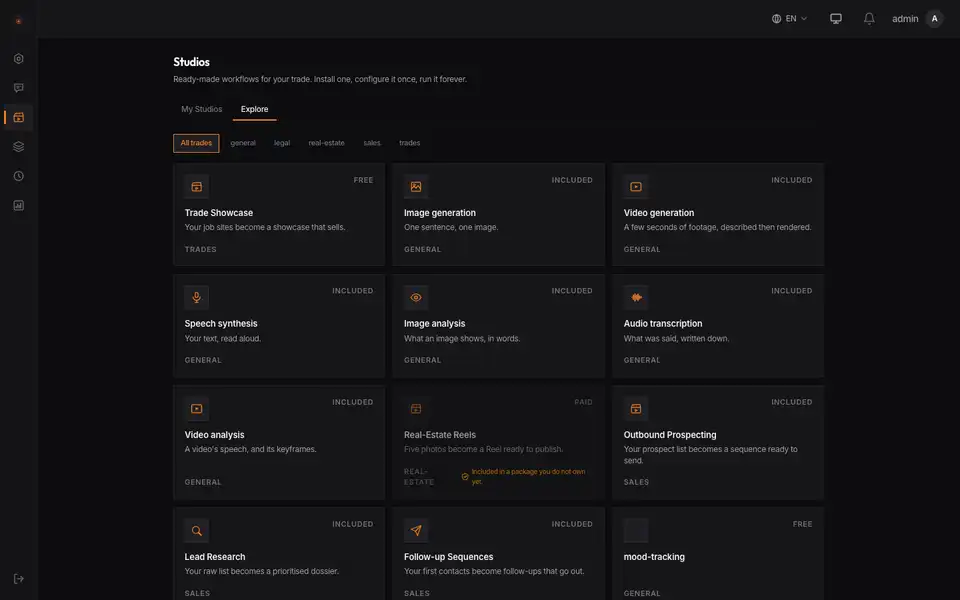
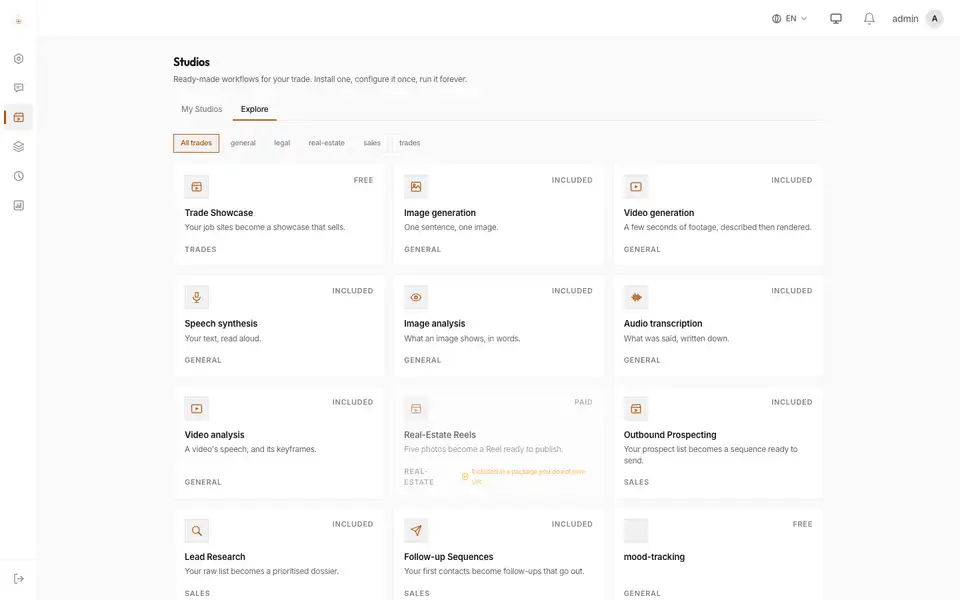
The Studios catalogue of the Orazaka workspaceThe Studios catalogue of the Orazaka workspace
  • Sovereign chat

    Answers streamed from your own models, with your context and your rules.

  • Agents

    Plans you approve, actions on your machines, results you can audit.

  • Knowledge

    Your documents indexed on your server, cited in every answer.

  • Studios

    Ready-made workflows: fill a form, see the price, get the result.

  • Automation

    Connect your business tools and let approved jobs run on their own.

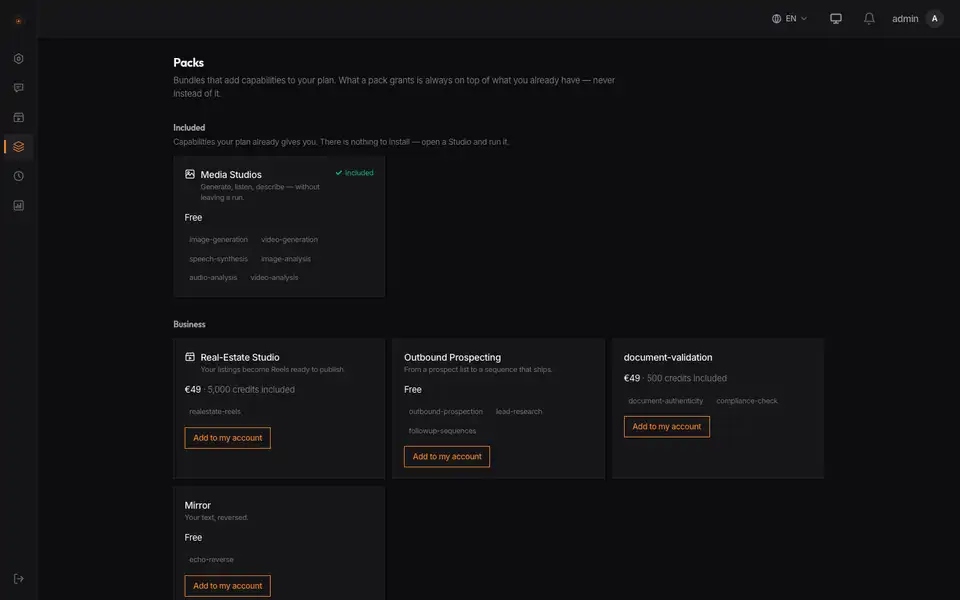
  • Packs

    Add a trade's Studios in one click — installed, priced and governed.

Cost & control

The same AI. Different ownership.

What changes when the AI runs at home.

The same AI. Different ownership.
Where do your prompts go?A cloud assistantTo a provider's servers, under their terms.OrazakaTo models on your machines. A cloud model only if you connect one.
What do you pay?A cloud assistantPer seat and per token, on a price list you don't control.OrazakaYour hardware and credits you set. Every Studio shows its price first.
Who decides?A cloud assistantThe vendor changes models, limits and policies.OrazakaYou choose the models, the roles, and what each team can run.
What can agents touch?A cloud assistantWhatever the integration was granted.OrazakaOnly what you approve — each action asks first.

How it works

From install to first answer in three commands.

The CLI checks your machine, starts the services and pulls the models. Nothing to configure in a cloud console.

  1. 1InstallThe CLI checks your machine and prepares the local runtime.
  2. 2StartDatabase, queue and services come up on your hardware.
  3. 3AskOpen the workspace: answers stream from your own models.
Your terminal
$ npx orazaka install$ orazaka start && orazaka dev$ open http://localhost:3000

Demo · recorded on the real application

A day of work on one machine.

Meet Eric, head of sales at a small lamp studio: product photos and voice-overs, a lease checked against the law, Studios for repeat work, answers from his own documents. Every clip below is the real application, recorded on one Mac.

  • Made on your machineA product photo lands as the image Studio finishes (the minute of generation is cut), then the gallery of what Eric made on the same Mac, a voice-over playing.
  • StudiosThe catalogue by trade — legal, sales, real estate, media — and a Studio's page: what it does, what a run costs, installed in one click.
  • Document checksA lease checked against French law: two unlawful clauses found, each with the passage and the article. Then a supplier's PDF examined for signs of tampering.
  • Voice-overA line typed, read aloud by the local speech engine: the waveform of the real file, playing.
  • Jobs & notificationsThe bell lists what ran — thumbnails of what it made — and opens the result.
  • From your documentsEric pastes the returns policy under his question; the local model answers from it, streamed — nothing leaves the network.
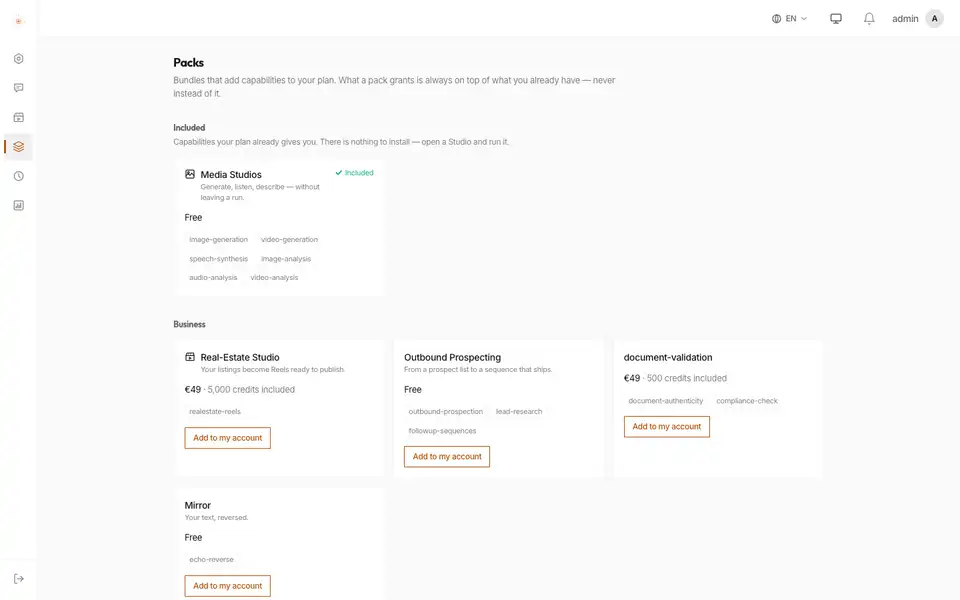
  • PacksWhat his plan includes and what a pack adds: Document Verification, Outbound Prospecting, Wellbeing — each Studio named, each price shown.

Studios

Ready-made AI workflows your team runs in one click.

A Studio turns a business process into a guided run with a clear price before you start. Install one, fill a form, get the result.

  • Document validation

    Check contracts and forms against your rules, clause by clause.

  • Media production

    Generate visuals and short videos for your brand, locally.

  • Prospecting

    Research accounts and draft outreach from your own data.

  • Trades showcase

    Turn job-site photos into a portfolio that sells.

Read the documentation

Packs

Installable offers, not code.

A pack brings the Studios of a trade — each one a governed sequence of steps with its price in credits. Install one, run it on your own hardware.

  • Real-Estate Studio

    Your listings become Reels ready to publish.

    1 Studios

  • Media Studios

    Generate, listen, describe — without leaving a run.

    10 Studios

  • Outbound Prospecting

    From a prospect list to a sequence that ships.

    3 Studios

  • Wellbeing

    Put into words what you live through, and bring it to your sessions.

    4 Studios

  • Document Verification

    Check a contract against the rules, and a PDF for signs of tampering.

    2 Studios

All the packs are described in the documentation.

Your AI, your rules

Bring AI in-house — not your data out.

Create a workspace in a minute. Your first answers stream from the models on this machine.